Common Questions

We want your experience to be as smooth as possible.

Here are quick answers to the most common questions families ask when getting started.

How Can Others Check The Tracking?

The login that you received can be used by anyone who you share the credentials with.

They’ll need your email and the password that you set when you first login to the app.

However, if you’d like your own login, please contact us and let us know the name and email of the person who you’d like to add to your watch.

Once we’ve sent the information, they can login in the same way as you did. A video explaining what to do can be found below:

What Should I Do When The User Goes Missing?

Tap the notification you received to open the app.

If you’re on an Android Phone, close the app completely, then reopen it.

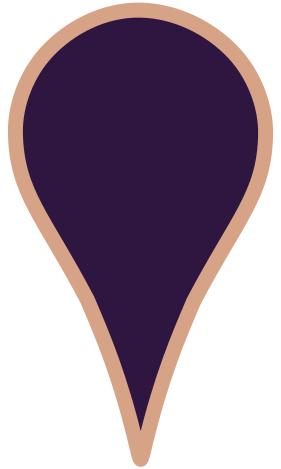
Go to the map screen — you’ll see a purple location point showing their latest location.
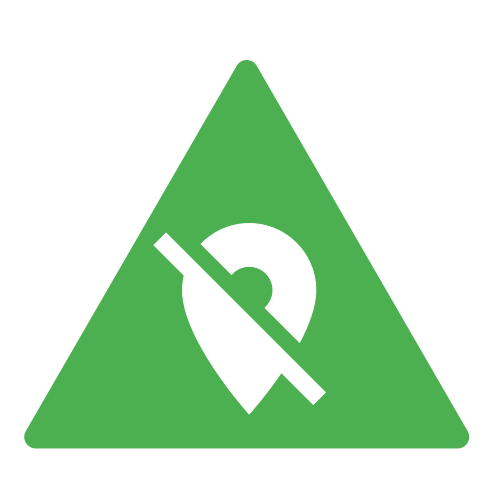
Press the green triangle to start emergency tracking, this will mean the latest location will update every 30 seconds.
If it won’t cause stress to the wearer, go to the dashboard and tap ‘Call Watch’ to ring the watch.

Use the satellite view button to see their location in relation to landmarks.

For longer journeys, note the street name on the map and search it in Google Maps or Apple Maps for directions.

More helpful tips like this can be found in our FAQ!

What Is The Difference Between The Safe Zone & Home Exit Alarms?

Home Exit Alarms are as they sound, they’re used to tell you when the wearer has left their home. 

The Home Area is represented by the home icon: 

Safe Zones let you set custom larger areas that you can be alerted when the user enters or leaves.

Safe Zones are represented by green circles on the map:

Typically Home Exit alerts would be used to notify you that the user has left their house and then a safe zone can be used to notify you when they’ve arrived at church or the store.

How To Set Up Home Exit Alarms

You can set up Home Exit Alarms easily. All you have to do is go to Notifications>Mobile and make sure that Home Exit Alarms is turned on (green). 

If you want to set up call notifications, you can go to Notifications>Device>Add Notification. Then change to call notifications add make sure call emergency contacts is selected. Press add and then save.

How To Set Up Safe Zones