By now, you should’ve received, or should soon receive your Tranquil Watch. Let’s take a look at what’s in the box! If you haven’t already, make sure to check out our setup videos. The videos have all the information you need to download the app and get started.
Please note that not every device will receive a Mini Beacon.
Logging In To The App
Check your inbox for an email with the subject ‘Your Account Details for Tranquil App’.
Copy the temporary password from that email.
Open the app and paste the password into the password field to log in. There are links to the app in the email.
Once logged in, you’ll be prompted to create your own password.
Placing Your Beacons
You’ll need to plug the charging dock into a wall socket. The mini beacon does not need to be turned on or plugged in.
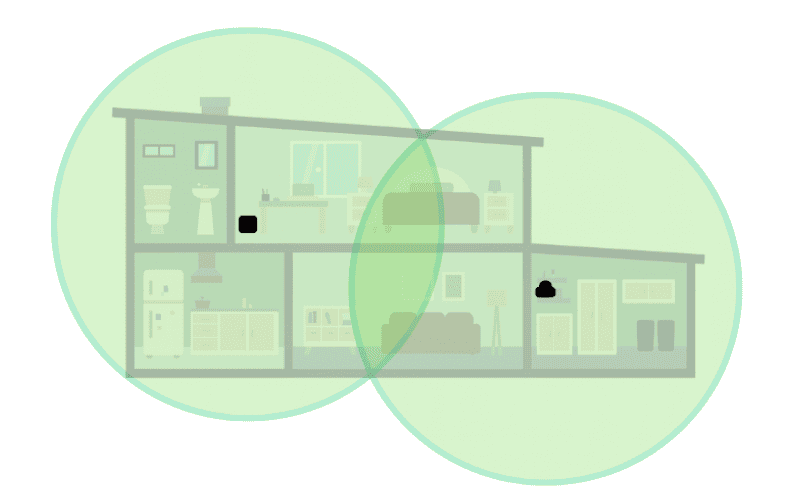
Each beacon has a range of about 32 feet in every direction. Try to place them so their coverage reaches as much of the home as possible. The diagram below shows an example of how this works.
For instance, if you put the home beacon in the user’s bedroom on one side of the house, you could place the mini beacon on the opposite side, even if that is on a different floor.
If the home is larger, we recommend placing the beacons in rooms the person uses most often. For example, one in the bedroom and one in the living room.
Wearing Options
As mentioned above, there are so many different options to help find the best possible option for the user.
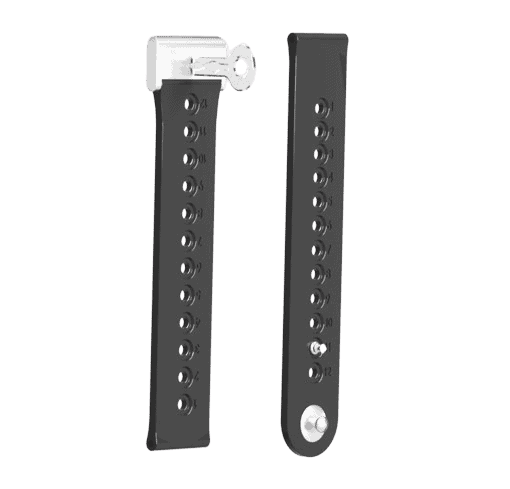
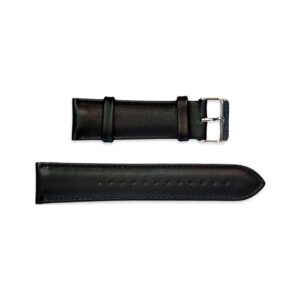
Below are the two options that come with the watch. Click on the locking strap if you’d like to know how to attach it!